WhatsApp calling, answered by AiSky.
Your customer taps call inside the chat they already use. AiSky picks up on your WhatsApp Business number, with the same brief and the same voice as your phone calls.
How a WhatsApp call reaches your agent
- 1
They tap call
Inside the chat they already have open with you. There is no number to dial and nothing to install.
- 2
The call reaches us
WhatsApp hands the call straight to your workspace on the WhatsApp Business number you already use for messaging.
- 3
AiSky answers
The same agent that takes your phone calls, with the same brief, the same voice and the same tools. It can book, qualify, look things up and hand over to a person.
- 4
It lands where the rest does
Recording, transcript, summary and outcome, filed next to your phone calls. One place to review all of it.

AiSky
Connected
A WhatsApp call in progress, connected to the AiSky voice agent.
It sits next to your phone line, it does not replace it
Three ways a customer reaches AiSky, and you can run all three at once. Same agent, same brief, same voice, and every call lands in the same place afterwards.
Your phone number
Available nowKeep the number you have and forward it, or take a new one. Someone dials, AiSky answers. Nothing changes for the caller and nothing changes with your provider.
Your phone system
Available nowAiSky connects to your PBX as an extension, so it works inside the routing you already have. Pick up the overflow, answer after hours, hold a queue, hand a caller to a colleague.
WhatsApp calling
ComingThe customer opens the chat they already have with you and taps call. No number to dial and nothing to install, and the call travels over the internet rather than the phone network.
It also sounds better, and that matters more than it sounds
A normal phone call carries a narrow slice of your voice. That is a limit of the phone network, not of the software, and it applies however good your own lines are: the moment a call crosses onto a mobile network, the network decides. A WhatsApp call travels over the internet and carries roughly twice the range.
For an ordinary conversation that is a nice to have. For an agent it is not, because the agent has to understand what was actually said. Clearer audio in means fewer misheard names, numbers and addresses, which is exactly what turns a booking into a wrong booking. It matters most where accents are strong and more than one language is in play.
Two directions, two different sets of rules
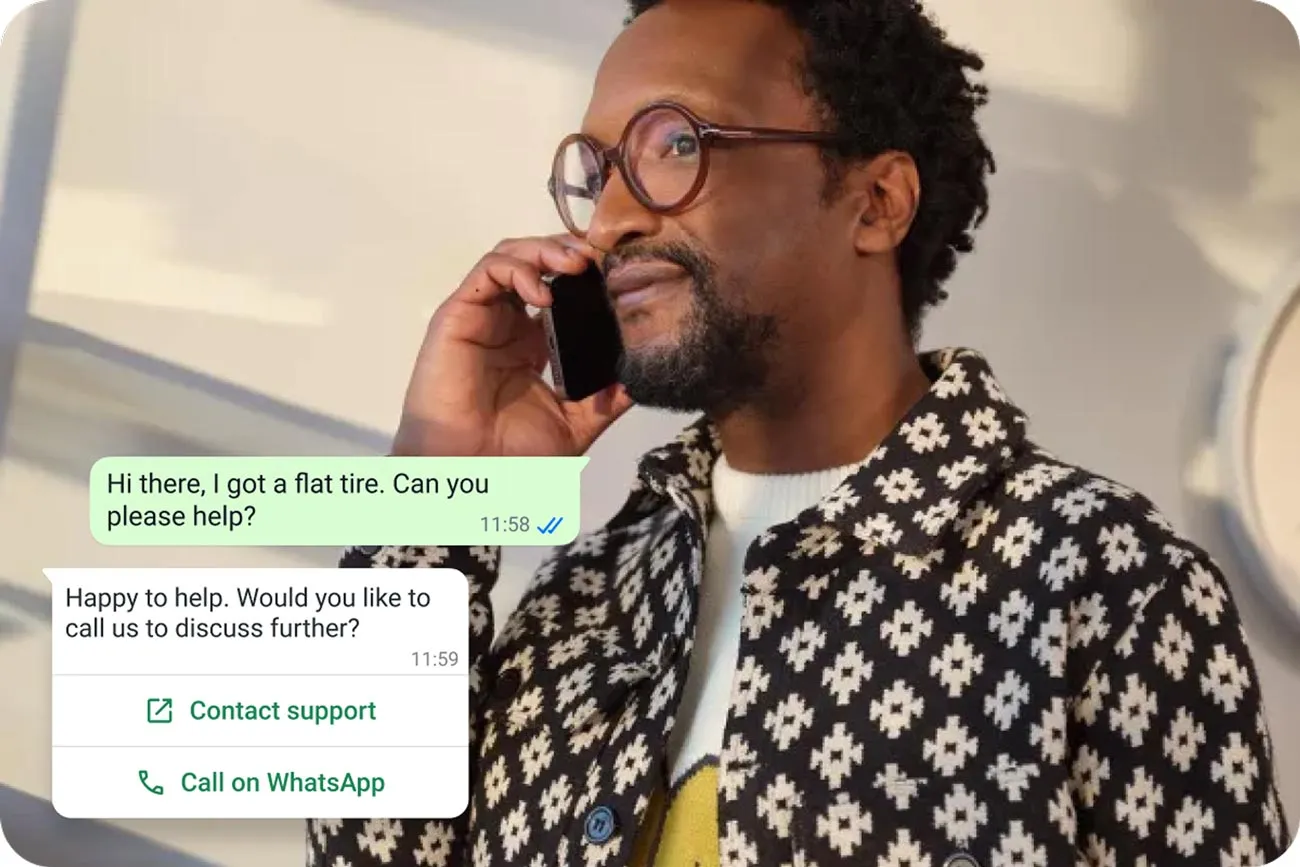
Calls your customer starts are the free, unlimited half. Calls you start are the gated half, and it is worth knowing which is which before you plan around it.
They call you
Free, any length
No permission step, no daily cap, and it works anywhere WhatsApp does.
You call them
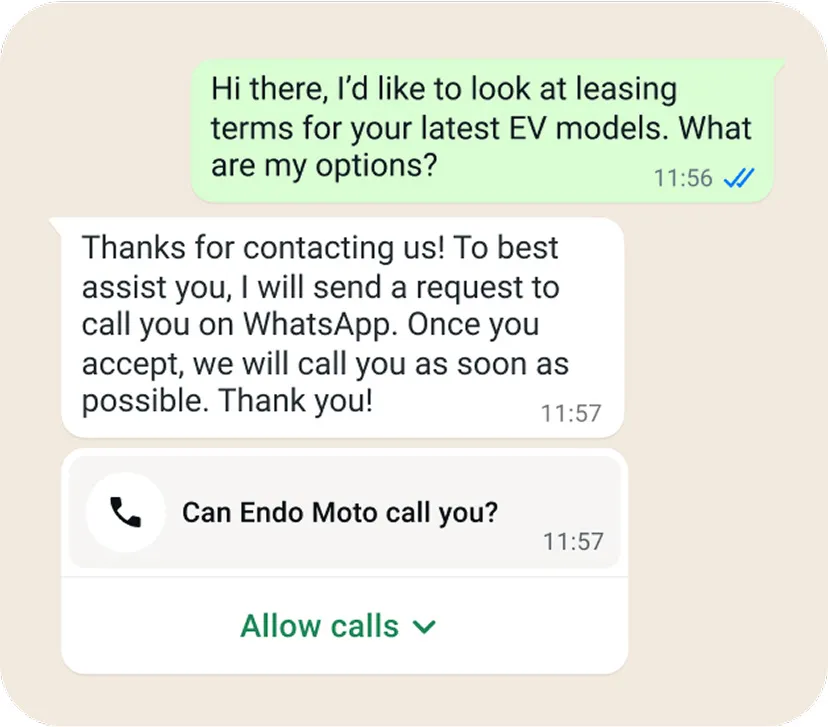
Ask once, in the chat
They approve a call request and that approval holds for seven days. A message from them is not approval, and a call from them only counts if callback permission is switched on.
Where you cannot call out
A business number registered in the United States, Canada, Egypt, Vietnam or Nigeria cannot start WhatsApp calls. Customers in those countries can still call you, and AiSky still answers.
Where it is unavailable
WhatsApp calling does not work in either direction in Cuba, Iran, North Korea, Syria, Crimea, Donetsk or Luhansk.
What it costs
Nothing when they call you, however long it runs. Calls you start are billed by the minute in six second blocks, whichever way you got permission to place them.
What you need
- A WhatsApp Business number. Not the WhatsApp Business app, the business platform.
- Calling switched on for that number.
- Voice only. WhatsApp does not offer video calls to business accounts yet.
A South African business number is not on the restricted list, so calls in both directions are available here.